
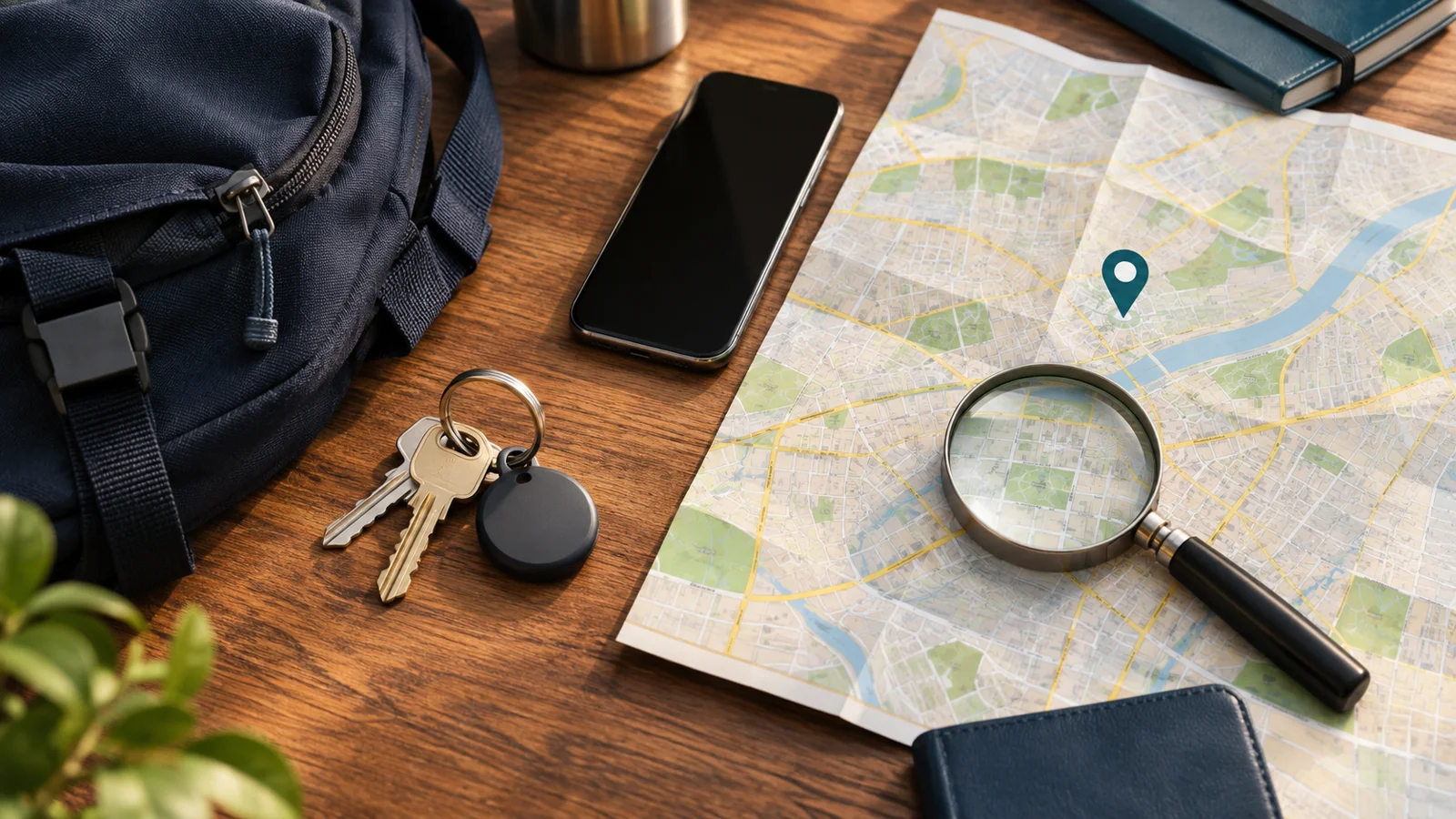
A map pin can tell you where an item was reported. It cannot, by itself, tell you which pocket, drawer or bag currently contains it. With Pixel Tag, separate the distant search from the final nearby search before deciding that a missing arrow or an old location means the tag has failed.
Google’s November Pixel Drop announcement introduced Pixel Tag with availability starting 11 November. The practical distinction in its documentation is between locating an item through Find Hub and getting nearby direction or distance guidance. SunloopMedia has not measured either experience.
First ask what the location actually represents
Google’s Pixel Tag help describes the map as showing a last reported location when the item is outside Bluetooth range. Nearby finding is a separate action in the Find Hub app after selecting the tag.
Read the map as a sighting record. Before travelling to a pin, check the time associated with it and ask whether the item could have moved since then. A useful record is “bag reported near the station at this time,” not “bag is definitely at this exact point now.”
Consider a hypothetical backpack left at a friend’s house. A report from the morning might help choose where to look first. It does not establish whether the backpack is still in the hallway or was moved to a car. A direct check with the friend can resolve that uncertainty more safely than interpreting a pin as continuous observation.
Nearby guidance has its own compatibility requirements
Google says precision finding requires a compatible Ultra Wideband phone. Its Android preparation guide distinguishes UWB direction-and-distance guidance from estimated distances using channel sounding. Support varies with the phone, tag and Android version.
Do not infer precision-finding support merely because a phone can open Find Hub or pair with a tag. Check the exact phone model and the current compatibility documentation before expecting an arrow. If Find nearby does not appear immediately, Google’s tag instructions suggest moving closer or allowing a moment for the option to appear.
This makes two different questions worth asking: “Can this phone help me locate the item?” and “Can this phone provide the specific nearby guidance I want?” A yes to the first does not answer the second.
The network is another dependency
Google’s Find Hub privacy explanation describes participating Android devices using Bluetooth to detect nearby items and report an encrypted location. The service uses reported sightings, not a guarantee that every place supplies a fresh observation.
In Google’s documented “Without network” mode, tracker tags cannot be used to find belongings through that setting. Check your participation choice and device setup rather than assuming a privacy setting affects only other people’s tags.
Google describes end-to-end encryption for network location information. That is a claim about access to the data, not a guarantee of its freshness or usefulness in every building. Keep privacy and finding performance as separate questions.
Review sharing before handing over the item
Pixel Tag help says access can be shared with Android users, up to ten people. Sharing is a deliberate access decision. If two people use the same bag, decide whether the second person needs continuing location access, rather than sharing a link casually and forgetting who can use it.
For a lending arrangement, agree who owns the tag, who should see the item and when that access should end. This is a proposed planning checklist, not an ownership-transfer procedure tested by SunloopMedia.
A short check before relying on a tag
Before using a tagged item for an important journey, check that it appears in your intended account, that its identification is clear, and that you understand the distinction between a reported map location and nearby guidance. Check the phone’s compatibility and any sharing already granted.
Use a harmless, familiar location to learn the controls if you already own the hardware. Do not interpret this article as evidence that SunloopMedia performed that exercise. Google also advises against using locator tags to track pets or locate stolen items; this explanation is about finding everyday belongings, not confronting someone at a reported location.
For AI-generated setup advice that claims a tag works everywhere, use our AI-answer checking workflow to trace the claim to the exact model and current documentation. A useful setup record names the phone, Android version, network choice and supported finding method rather than simply saying “Android compatible.”
Evidence: research/documentation based. Official launch and support pages checked 19 November 2026. SunloopMedia did not purchase, pair, track, share or test a Pixel Tag. No range, accuracy, battery-life or recovery result was measured.
Editorial record
Testing status: Research / documentation based
No commercial relationships.
SunloopMedia Editorial
Published by SunloopMedia Editorial. Sources, testing state and material corrections are recorded above.
Suggest a correctionSelect the link and copy it using your keyboard or device menu.