
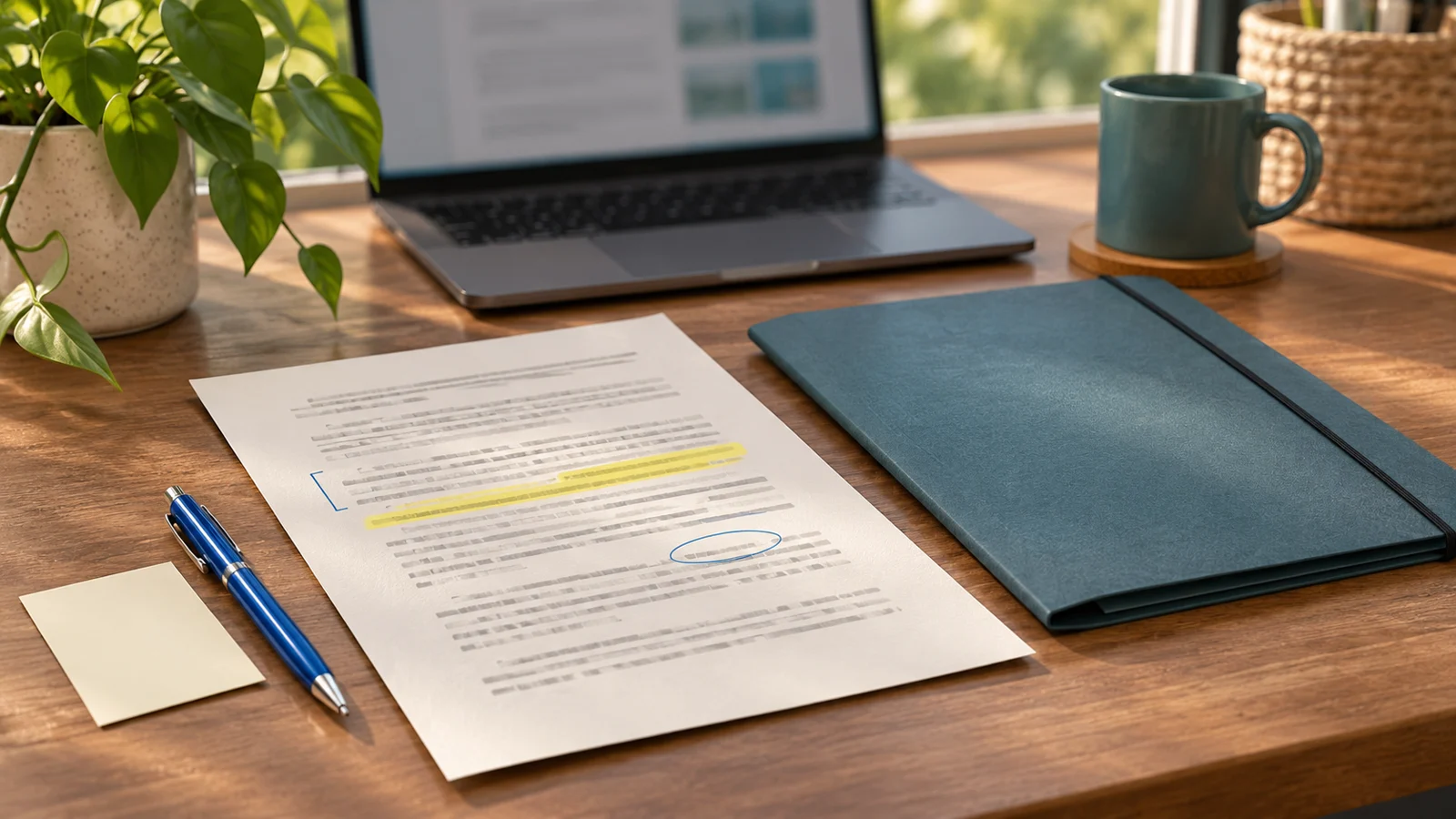
A PDF looks finished when your note is visible on the page. The more useful finishing point comes after you save it: open the actual output file and check whether the note is still there.
Firefox can be part of that workflow. Mozilla documents a built-in PDF viewer with annotation and form-filling tools, and a PDF-toolbar Save control for downloading the resulting copy. That supports the procedure below; it does not guarantee that every document will behave identically. Mozilla's PDF viewer guide.
Prepare a harmless practice copy
Use a short, non-sensitive PDF you are allowed to edit. Keep the original unchanged. A practice page with a few lines of ordinary text is enough; you do not need a signature, personal form or confidential document.
Write down the change you intend to make before starting. For example:
Add the note “Check this saved copy” beside the second paragraph.
If your document contains an interactive field, you can use a harmless value such as “Sample A” for a separate form check. Do not assume that a box drawn on the page is an editable field.
Save the PDF, not just the browser page
- Open the PDF in Firefox's built-in viewer. If it opens in another application, this procedure does not describe that application's controls.
- Make one recognizable change. Use the viewer's text-annotation tool to add the practice note. For a form check, enter the harmless value in an actual interactive field.
- Use Save in the PDF viewer's toolbar. Mozilla documents this control for saving the PDF, including the edited copy. Do not substitute the browser's general page-saving workflow. Mozilla's save and editing instructions.
- Give the output a distinct name and known location. For example,
practice-annotated-check.pdfseparates it frompractice-original.pdf. Note the folder you actually selected; do not assume every browser or computer uses the same download location. - Confirm the new file exists before closing the PDF tab. If the save did not finish or you cannot identify the output, resolve that uncertainty while the edited tab is still available.
Toolbar layout and available editing features may vary with Firefox versions. These steps describe the documented desktop workflow, not a tested build or a mobile-browser procedure.
Reopen the output from its saved folder
Close the edited PDF tab once you have identified the saved file. Open the new copy from its folder rather than returning to the original download link or a tab that still contains unsaved work.
Use this short acceptance check:
| Check | What to look for in the reopened output |
|---|---|
| File identity | The distinct output filename and intended folder |
| Pages | The expected page count and order |
| Original content | Readable text and no obvious missing page content |
| Annotation | The exact practice note in its intended location |
| Form, if used | The harmless value entered in the interactive field |
If another PDF viewer is already available, open the same saved file there and repeat the relevant checks. Agreement between two viewers is useful evidence for that file, not proof of universal compatibility.
If the result is missing something
First establish which file you reopened. Two similarly named downloads can make a correct save look like a failure. Compare the output path with your note before changing the document again.
If the expected annotation or field value is absent, keep the original and the saved output. Do not send the file as finished. Record what is missing and check the current viewer documentation before attempting a different save path. A print-to-PDF workaround should be checked as a new output, rather than assumed to preserve everything about the original.
Our guide to what an app export preserves explains the wider principle: a file's existence does not establish that it contains everything you intended to keep.
Scope of this guide
This is a documentation-based procedure and an original saved-output checklist, not a report of a completed Firefox test. No annotation, form-filling or cross-viewer result is claimed. The historical PDF bug recorded in the research brief is not used as evidence of a current defect.
Source: Mozilla's PDF viewer guide, checked 5 November 2026. Recheck consequential controls before publication if the guide is held for later review.
Editorial record
Testing status: Research / documentation based
SunloopMedia Editorial
Published by SunloopMedia Editorial. Sources, testing state and material corrections are recorded above.
Suggest a correctionSelect the link and copy it using your keyboard or device menu.