

You download an archive before leaving an app. It opens, the file count looks plausible, and the important text seems to be there. Have you preserved your work—or just one representation of it?
An export answers that question only after you decide what must survive. A readable document, an editable dataset and a working notebook are different outcomes. The useful check is not simply “Did a file download?” It is “Can I still do the task that matters with what this file contains?”
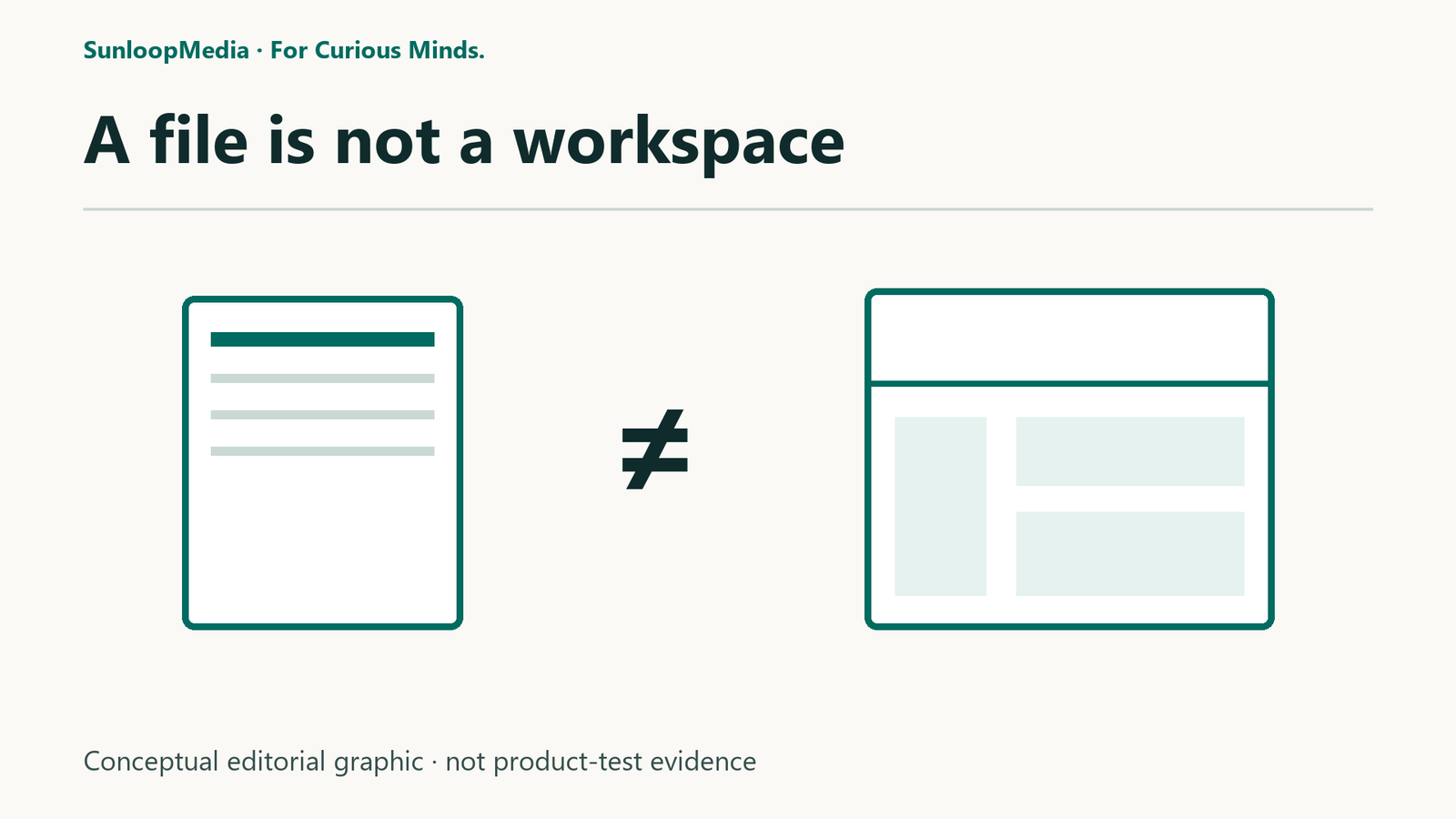
Start with the outcome, not the file extension
For a record you only need to read, a visual snapshot may be enough. For a spreadsheet you need to recalculate, preserving displayed values may not be enough. For linked research notes, readable text can survive while navigation and attachment behavior need separate checking.
Write one sentence before exporting: “I need to be able to…” Finish it with an action: read the final report, edit the underlying table, follow the source links, or rebuild the notebook. This prevents a successful download from quietly becoming a stronger claim about recovery or migration.
An export is also distinct from copying an app’s working folder. Copying may preserve files already used by that app. Exporting can transform them into a different representation. Importing is another operation: a receiving app must understand and reconstruct what it is given. Success at one stage does not establish success at the next.
The five things to check
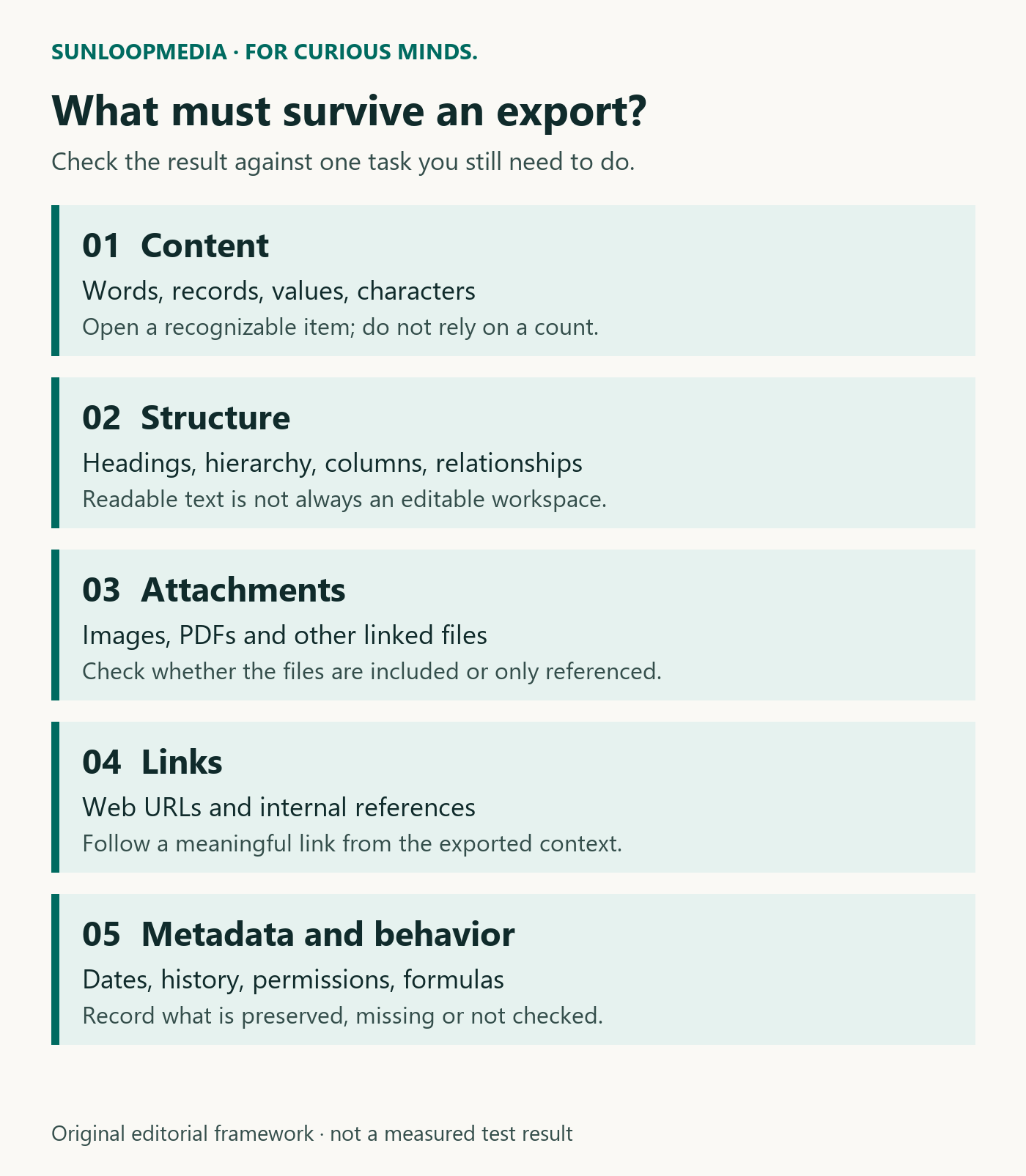
Content: Are the paragraphs, records, values and unusual characters present? Check a few items you can identify, including a long or awkward example. A count alone cannot show that each item is complete.
Structure: Do headings, nested pages, columns, ordering and relationships retain their meaning? A flattened result can contain the words while losing the organization that made them useful.
Attachments: Are images and documents included, or are there references to files still stored elsewhere? Inspect an attachment after opening the export separately from the original workspace. Do not assume a successful page export includes every linked file.
Links: Distinguish an ordinary web link from an internal reference that depends on an app or folder. Try an important link in the exported context. A visible filename is not the same as a working reference.
Metadata and behavior: Decide whether you need dates, authorship, comments, permissions, formulas, history or app-specific interactions. Record what the exporter promises and what you actually checked. A format that carries your text need not carry all those properties.
Three examples that keep the distinction concrete
Documented, not tested here: LibreOffice’s CSV guidance says its ordinary sheet-to-CSV export saves the current sheet’s data rather than the whole workbook and its formatting. Its separate formula guidance describes options for formula text. Read the relevant export options instead of treating every CSV path as identical. We did not reproduce a spreadsheet round trip for this article.
Documented, not tested here: Notion describes several export formats and warns that reuploading exported workspace content does not instantly recreate the workspace. This is a product-specific limitation documented by Notion, not a finding from a SunloopMedia account or import test.
Observed in our limited Obsidian check: one Obsidian note was readable as Markdown in Notepad, with its heading marks, Wikilinks and attachment references visible as syntax. A separate copied vault reopened in Obsidian on the same Windows device. Those are two different observations: text access outside the app, and one same-app, same-device copy reopening. Neither established migration to another notebook app, restoration from corruption or an offsite backup.
These examples are not a ranking of formats or products. They show why an export claim needs an outcome and a scope.
Use an export inspection record
For one important item, record the following in a short note:
Task needed: What must you still be able to do?
Source and export: Which app/version or documented procedure, which chosen format and which scope—one page, selected items or an entire workspace?
Included: What did you find in the result: content, structure, attachments, links and required metadata?
Checked: Which files did you open, which links or attachments did you follow, and in which application?
Result: Supported for this task; partly supported; failed for this task; or not yet checked. “Not checked” is not evidence of loss, but it is not a verified recovery result either.
Next action: Keep a native copy, choose another documented export, test the receiving app, or accept a clearly recorded limitation.
Keep the original while you inspect the result. Opening a separate copy reduces the chance that changes made during the check affect the only working version. This is a practical precaution, not proof of a complete backup strategy.
What this article does—and does not—establish
This is a research/documentation-based explainer, with one explicitly bounded reuse of earlier, limited Obsidian observations. No new app-export, import, cross-platform, disaster-recovery or long-term retention test was performed for this article. The five-check inspection framework and six-field inspection record together form SunloopMedia’s editorial method for framing a check; it is not a certification that a format preserves everything.
For your next export, pick one indispensable task and check it against the actual result. If you can read a report but cannot edit its underlying data, record exactly that. The export may still be useful—just for a different purpose than rebuilding the original workspace.
Sources and evidence
- LibreOffice Help — CSV export scope 2026-10-15
Ordinary CSV export concerns the current sheet and does not preserve a full formatted workbook; no reproduction performed.
- LibreOffice Help — formula text options 2026-10-15
Formula export/import has specific options; do not generalize the ordinary data-export summary to every CSV operation.
- Notion Help — export and reconstruction limits 2026-10-15
Vendor warns that reuploading exported workspace content does not instantly recreate the workspace; no Notion account/export/import tested.
- Obsidian Help — data and configuration 2026-10-15
Documentation describes Markdown notes and separate configuration. Separately, our limited check found one note readable as Markdown syntax in Notepad and a copied vault reopening on the same Windows device; no cross-device restoration or complete-backup result was established.
Editorial record
Testing status: Research / documentation based
For this specific piece, SunloopMedia’s owner confirms no payment, sponsorship, affiliate relationship, supplied review product/access or other commercial consideration. This confirmation applies to this piece’s current relationship state only, not site-wide or permanently.
SunloopMedia Editorial
Published by SunloopMedia Editorial. Sources, testing state and material corrections are recorded above.
Suggest a correctionSelect the link and copy it using your keyboard or device menu.