
Creating a passkey answers one question: how will this account recognise you at sign-in? It does not automatically answer another: how will you sign in after losing or replacing the device?
To understand that second question, identify where the passkey is stored. A phone, a computer’s local credential store and a cloud-backed password manager can lead to different recovery arrangements even when the website calls all of them passkeys.
Two storage models, one name
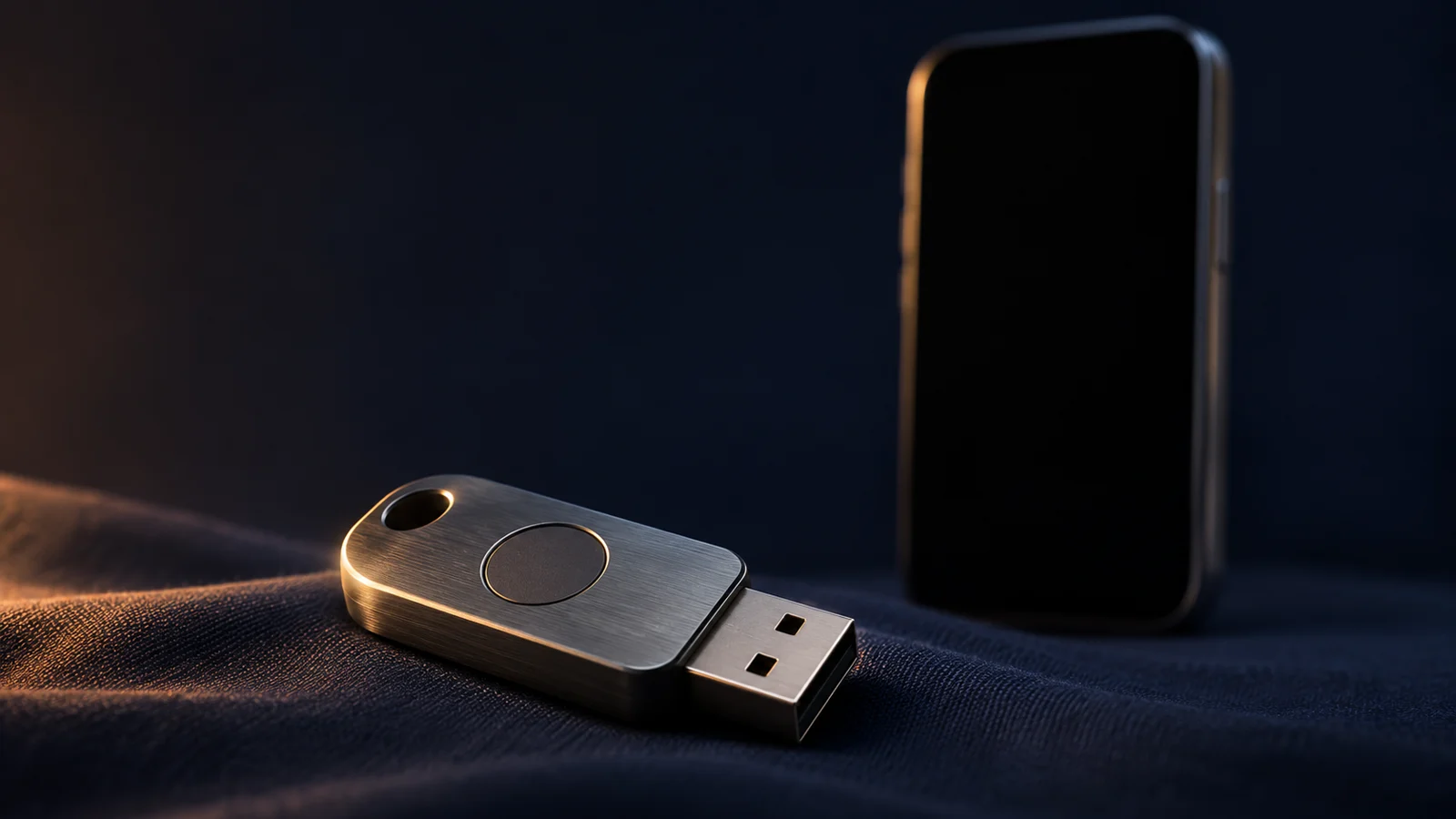
The FIDO Alliance distinguishes synced and device-bound passkeys. Synced passkeys can be made available across devices through a provider. A device-bound passkey stays on the device that holds it, which can include a hardware security key.
The same sign-in method can therefore have different portability. “I created it on this laptop” is not enough information. You also need to know which provider or local store received it.
A biometric check or PIN is how you authorise use on the device; it is not a password you can type into any website to reconstruct the passkey. FIDO says the biometric information remains local rather than being sent to the website.
Sync depends on the provider and account
Google’s Chrome passkey documentation gives a concrete example. Passkeys saved in Google Password Manager are backed up and synced to the Google Account. Using them on another eligible device requires the same account and the appropriate unlock method, such as the Password Manager PIN or the documented Android device credential.
That is a provider-specific arrangement, not a promise that every passkey appears in every password manager. The same page describes passkeys saved locally in Windows Hello as having no sync or backup, and warns that those local passkeys cannot be recovered after losing the computer or reinstalling its operating system.
Check the actual storage option before accepting a creation prompt. Our Chrome profiles explainer is relevant here: the name on a browser workspace is not sufficient evidence that you are using the intended account.
Signing in through a phone is not necessarily copying the key
FIDO also describes cross-device authentication: one device can authorise a sign-in on another, including a phone-to-computer flow. Using a passkey this way does not, by itself, establish that a second stored copy was created on the computer.
In a constructed example, you use your phone to approve access on a replacement laptop. That may get you into the service, but you still need to inspect the service and provider’s options if you want an independent sign-in method for the replacement. Do not assume the successful session completed that setup for you.
Recovery has more than one dependency
FIDO’s consumer deployment paper discusses failure cases including losing a device, losing access to the passkey provider and moving to an unsupported provider or device. Its practical implication is that sync improves availability without removing every recovery dependency.
Before retiring a device, make a non-secret checklist:
- Which service account is this for?
- Which provider or physical device stores its passkey?
- What does that provider require on a replacement device?
- What other sign-in or recovery method does the service currently offer?
- Have you verified a permitted alternative while the original method still works?
Do not put passwords, PINs, recovery codes or copies of credentials in this checklist. Keep recovery material only through the provider’s intended secure mechanism. Follow the service’s own recovery instructions rather than a message or link from an unsolicited caller.
What to establish before removing an old method
Keep the existing working route until you understand and have verified the replacement. A synced passkey, a second registered authenticator and account recovery are related tools, but they are not interchangeable guarantees.
This explanation is based on documentation, not a device-loss or account-recovery test. Its outcome is a clearer account of your dependencies: where the credential lives, how a new device obtains access and what remains available if that route fails.
Editorial record
Testing status: Research / documentation based
No commercial relationships.
SunloopMedia Editorial
Published by SunloopMedia Editorial. Sources, testing state and material corrections are recorded above.
Suggest a correctionSelect the link and copy it using your keyboard or device menu.